What Does Embed Mean?
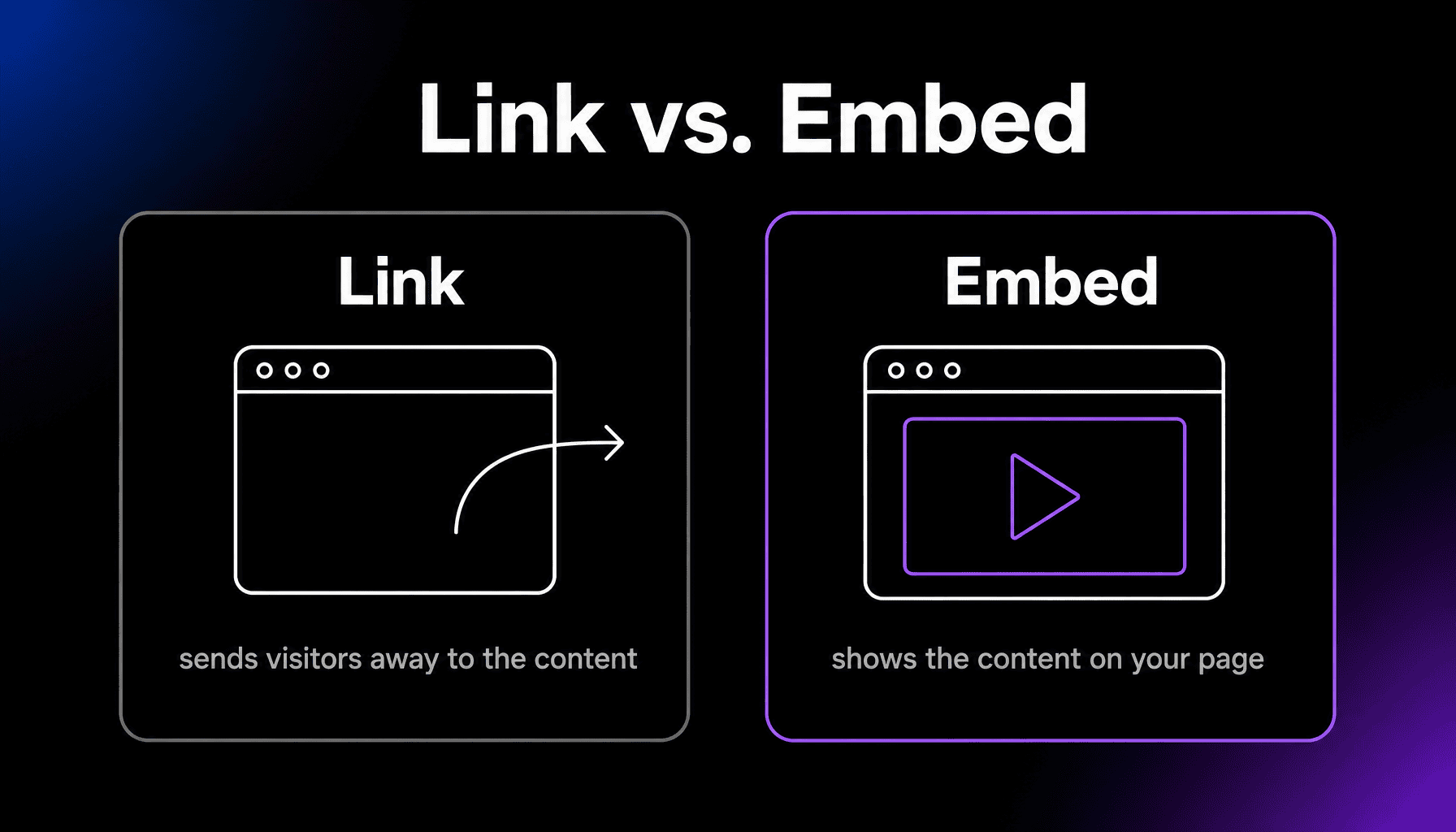
To embed means to place content from another source directly inside a web page, so visitors can see or play it without leaving the site. A YouTube video playing inside a blog post is embedded; a link to YouTube is not. Embedding works through a snippet of HTML called an embed code.
More About Embedding
Embedding puts the content itself on your page, so a visitor can play a video or scroll a map without going anywhere else. Most media platforms make their content embeddable: YouTube videos, Google Maps, social media posts, PDFs, and forms are everyday examples.
How does embedding work?
Behind the scenes, most embeds use an iframe: a small HTML window that loads the external content inside your page. The platform hosting the content usually provides the embed code for you. Look for a “Share” or “…” menu, choose “Embed,” and copy the snippet into your page’s HTML. In WordPress, it’s even simpler: paste the content’s normal URL into the editor, and WordPress converts it into an embed automatically for supported services like YouTube, Spotify, and Reddit.
Embed vs. link: which should you use?
Embed the few things people should actually watch or play, and link the rest. Embeds keep people on your page and make it more engaging, which is why they’re the default for video and audio. Links are better when the content is only a reference, when speed matters most, or when the platform doesn’t allow embedding.
Do embeds slow down your website?
They can. Every embed loads files from another company’s servers: scripts, styles, sometimes tracking cookies. A page stacked with embeds can feel sluggish and raise privacy questions. Two easy fixes: only keep embeds that earn their place, and use lazy loading so embeds below the fold load when visitors scroll to them. Modern WordPress lazy-loads most embedded iframes by default.
Frequently Asked Questions
What is an embed code?
It’s the snippet of HTML, usually an iframe or script tag, that a platform gives you to display its content. The code doesn’t copy the file to your site; it loads it from the platform’s servers, so if the original is deleted, the embed breaks.
What does “embedded link” mean?
People usually mean one of two things: a hyperlink placed inside text (also called an inline link), or embedded content that displays right on the page. In everyday writing, “embedded link” most often just means a hyperlink woven into a sentence instead of a pasted bare URL.
Is embedding someone else’s video legal?
Generally yes, when the platform offers an embed option and the uploader has allowed embedding. YouTube’s embed feature exists for exactly this. Avoid embedding content that was uploaded without the creator’s permission, and check each platform’s terms if you’re unsure.
Why won’t some content embed?
The owner turned embedding off. Platforms let uploaders restrict embedding, and some content, like private posts or paywalled articles, never allows it. If an embed shows “video unavailable” or refuses to load, that’s a permission setting, not a problem with your site.