What is WAMP?
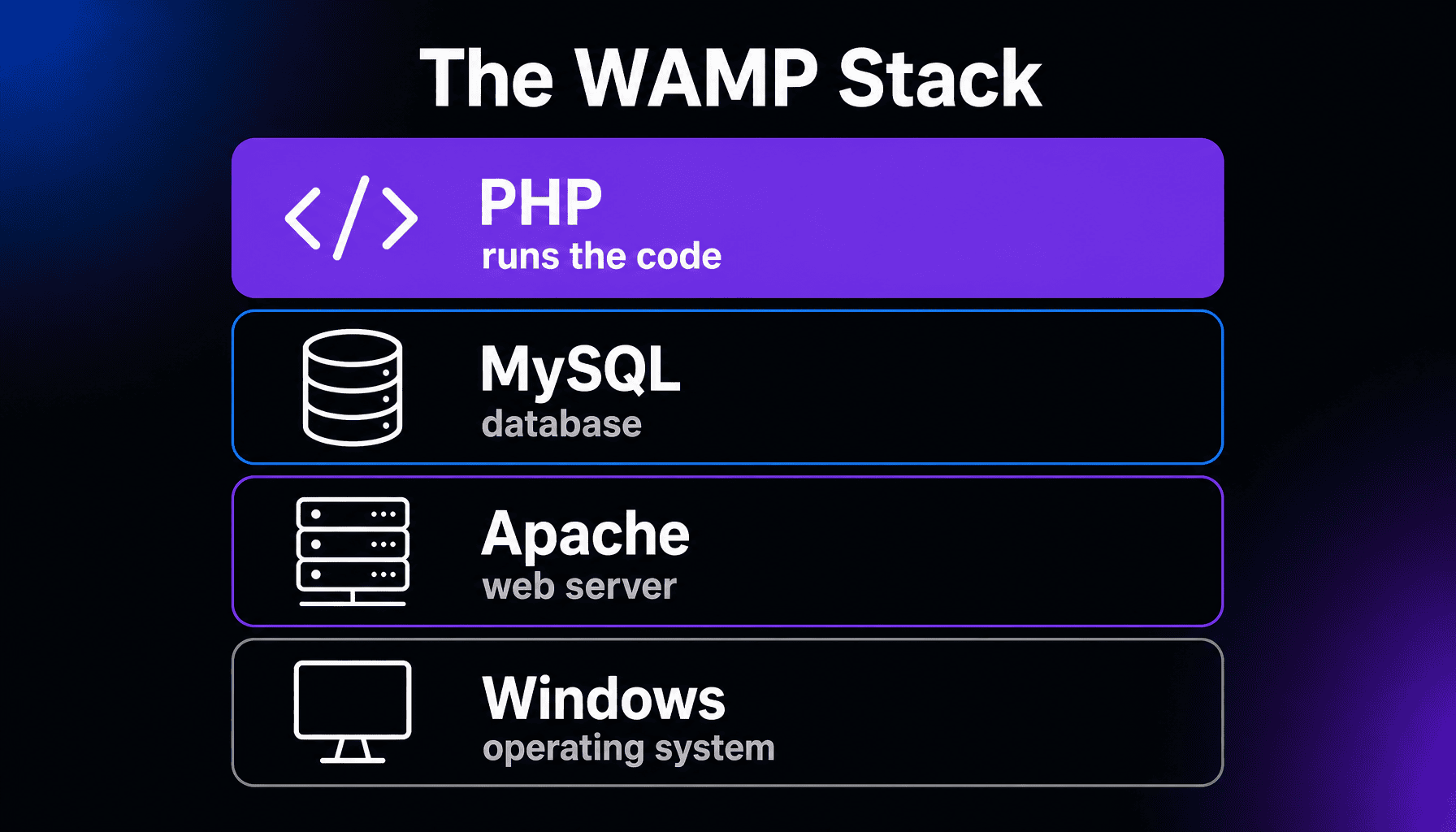
WAMP stands for Windows, Apache, MySQL, and PHP: a software bundle that installs everything needed to run dynamic websites on your own Windows computer. Apache serves the pages, MySQL stores the data, and PHP runs the code. Developers use it to build and test sites locally before publishing.
More About WAMP
Each letter is one layer of the stack. Windows is the operating system underneath. Apache is the web server that answers requests. MySQL is the database that stores content. And PHP is the language that turns it all into pages; it’s what WordPress and many other platforms are written in.
What is WAMP used for?
Local development. With WAMP installed, your PC behaves like a miniature web host, so you can install WordPress, build themes, or test plugins with nothing published to the internet. Mistakes cost nothing: if an experiment breaks the site, only you can see it. It’s also free, which makes it a favorite first step for people learning web development before they pay for hosting.
The WAMP family: LAMP, MAMP, and XAMPP
WAMP is the Windows edition of an older idea. The original is LAMP, the Linux stack that most web hosts still run. MAMP began as the Mac version, and XAMPP is the cross-platform cousin: the X stands for any operating system, and it adds Perl to the bundle. Some of these bundles now use MariaDB, a drop-in MySQL-compatible database: XAMPP swapped it in for MySQL back in 2015, and WampServer lets you install either.
From WAMP to a live website
A WAMP site lives only on your machine; visitors can’t reach it. Going live means copying the site to a web host, which will nearly always run the Linux version of the same stack. Because the layers match, a site built on WAMP usually transfers with little friction: the same WordPress, the same database structure, the same PHP. The one classic trip-up is capitalization, since Windows ignores case in file and database names and Linux doesn’t, so keep filenames and table prefixes lowercase while you build.
Frequently Asked Questions
Is WAMP the same as WampServer?
Nearly. WAMP is the generic name for the Windows-Apache-MySQL-PHP stack, and WampServer is the best-known packaged installer of it. Saying “install WAMP” almost always means installing WampServer or a similar bundle rather than setting up each piece by hand.
What’s the difference between WAMP and XAMPP?
Mostly packaging. Both install the same Apache-PHP core with a MySQL-compatible database, so a site built in one runs in the other. Pick XAMPP if you also work on Mac or Linux machines; on a Windows-only setup, WAMP is the more focused choice.
Can other people see a website running on WAMP?
Not normally. WAMP serves the site at an address like localhost, which typically only your own computer can reach, so nothing is exposed to the internet. Publishing to a web host is what makes a site public.
Do developers still use WAMP?
Yes, though it has more company now. Many professionals have moved to containers or dedicated local WordPress tools, which bundle the same stack with extra conveniences, but WAMP still does the job for straightforward local work.